


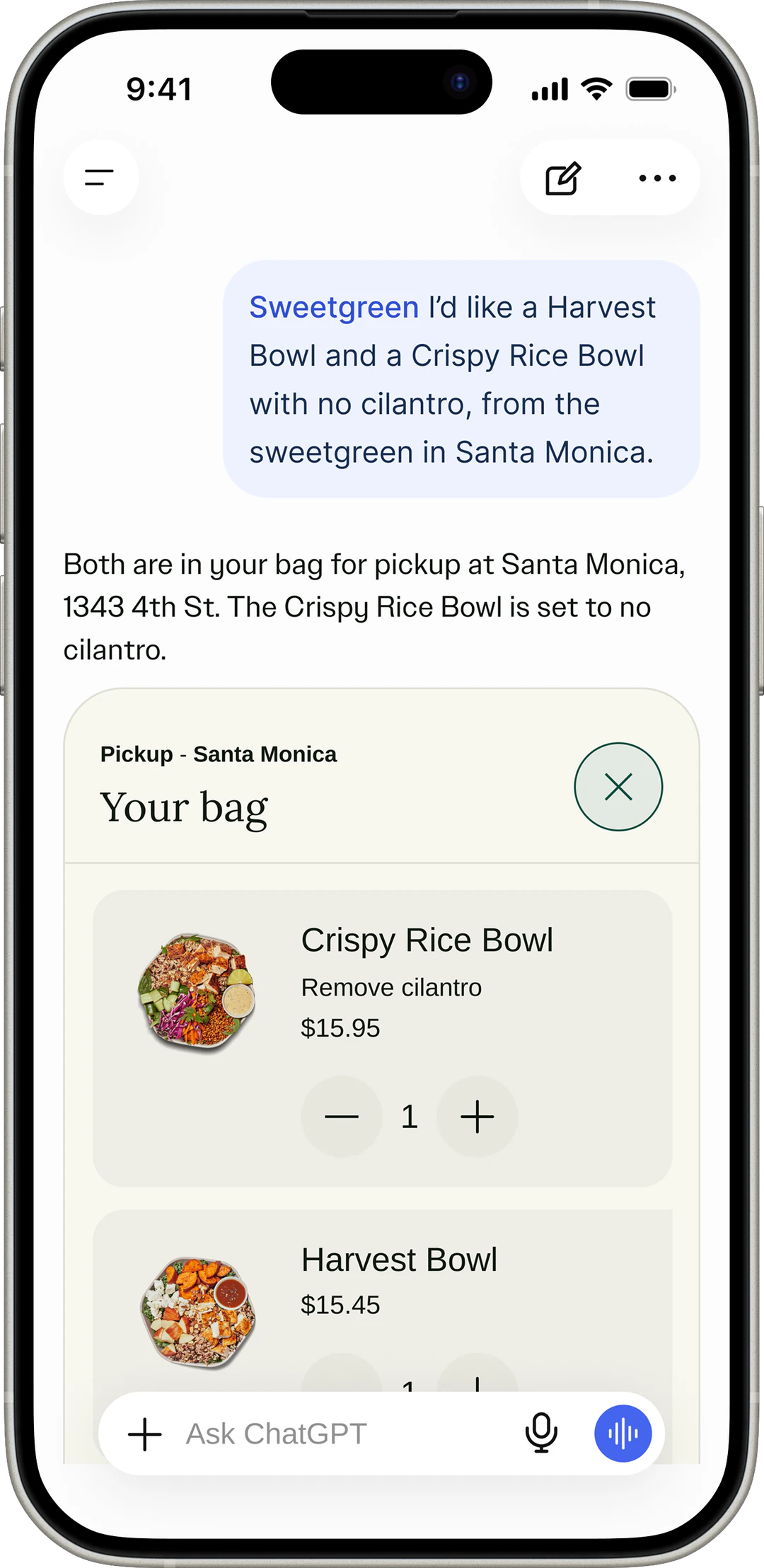
How it works
Your assistant reads your restaurant's live menu, including calories and ingredients. Ask it questions the way you'd ask a friend who knows the menu.
-
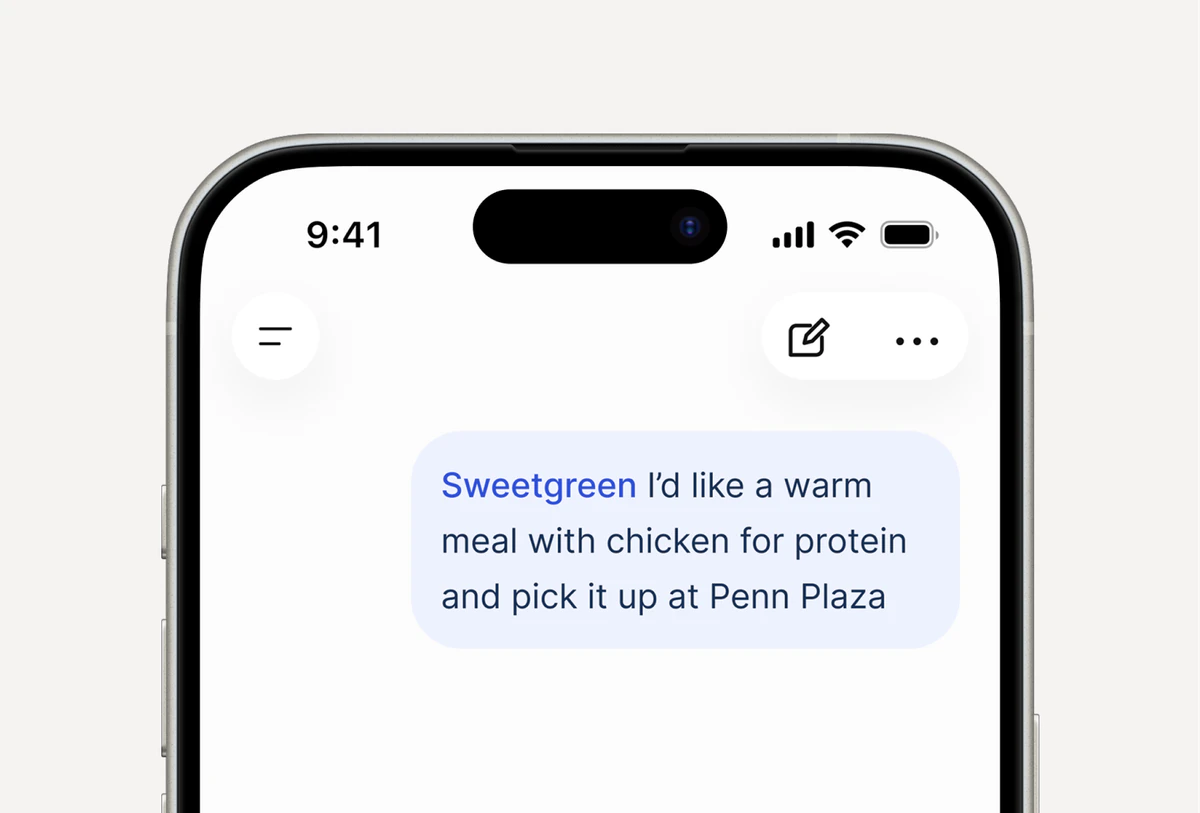
Ask your way
Start with a protein target, a flavor or a craving, then share your city or zip code.
-
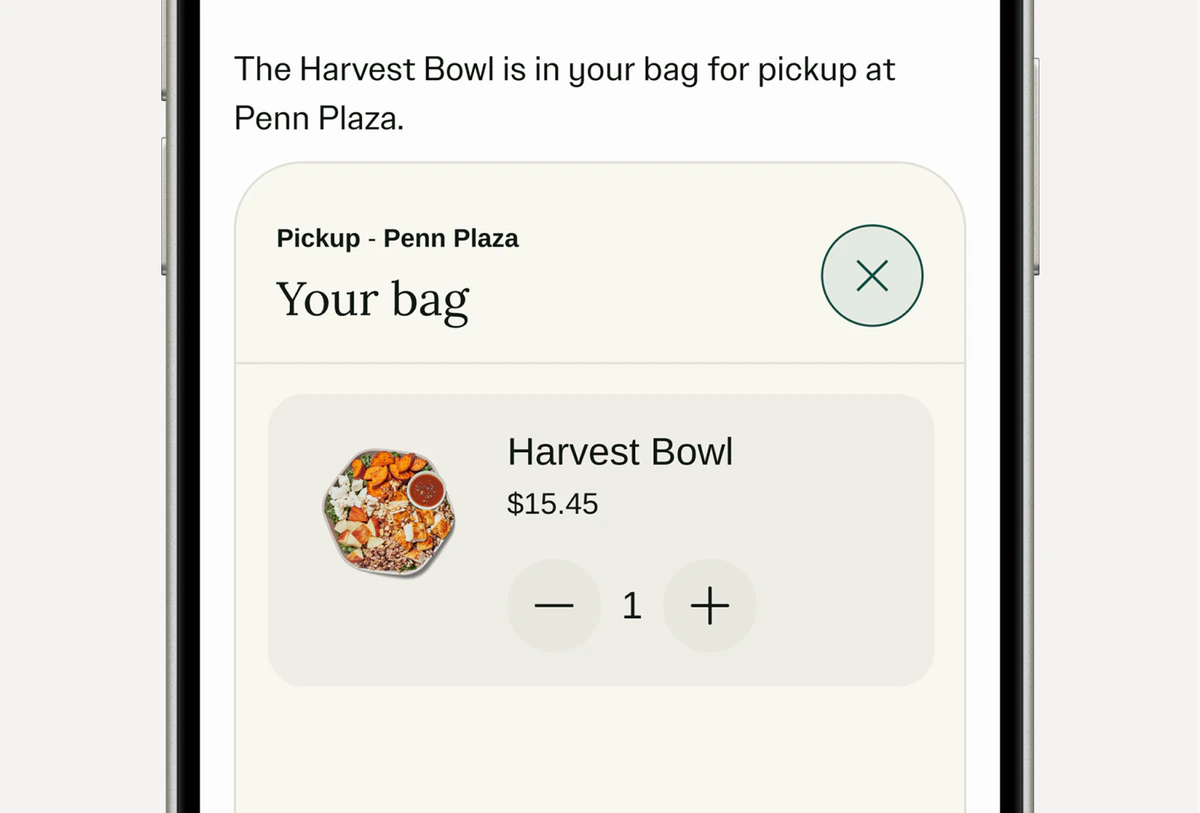
Build your bag
Browse the menu in the chat, then add, remove or swap items as you go.
-
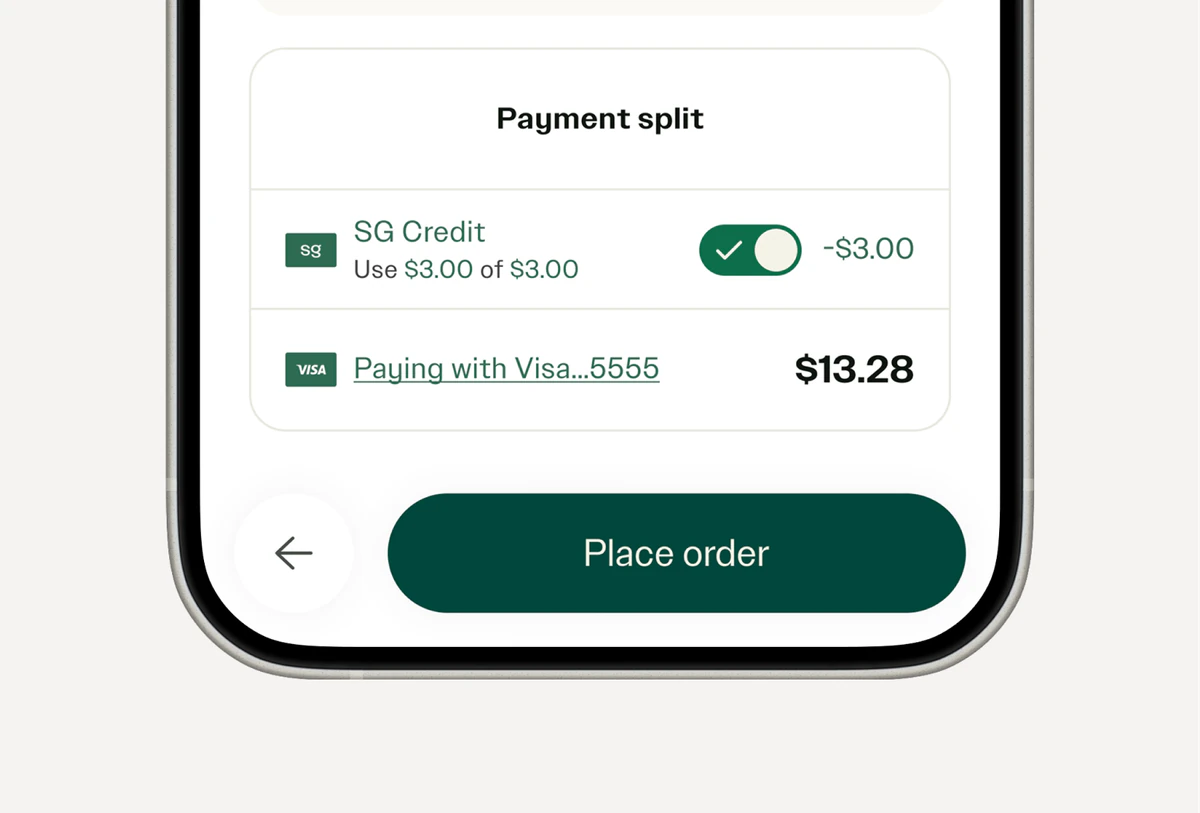
Check out at sweetgreen
Your bag is waiting in the sweetgreen app or at order.sweetgreen.com. Sign in, apply rewards, pay, then enjoy.
Add sweetgreen to ChatGPT or Claude
Install from the ChatGPT plugins or Claude connectors directory in one click. Ask for sweetgreen in any chat, or type @sweetgreen in ChatGPT.
Try these prompts
-
Help me fibermaxx.
-
What drink should I get with my wrap?
-
Build me a filling lunch that’s under 500 calories.
-
I love cheese but I need greens. Help me out.
-
I’m vegetarian. What’s a filling dinner for tonight?
-
Order a Harvest Bowl for pickup at the sweetgreen closest to me.
Find meals that fit what you need
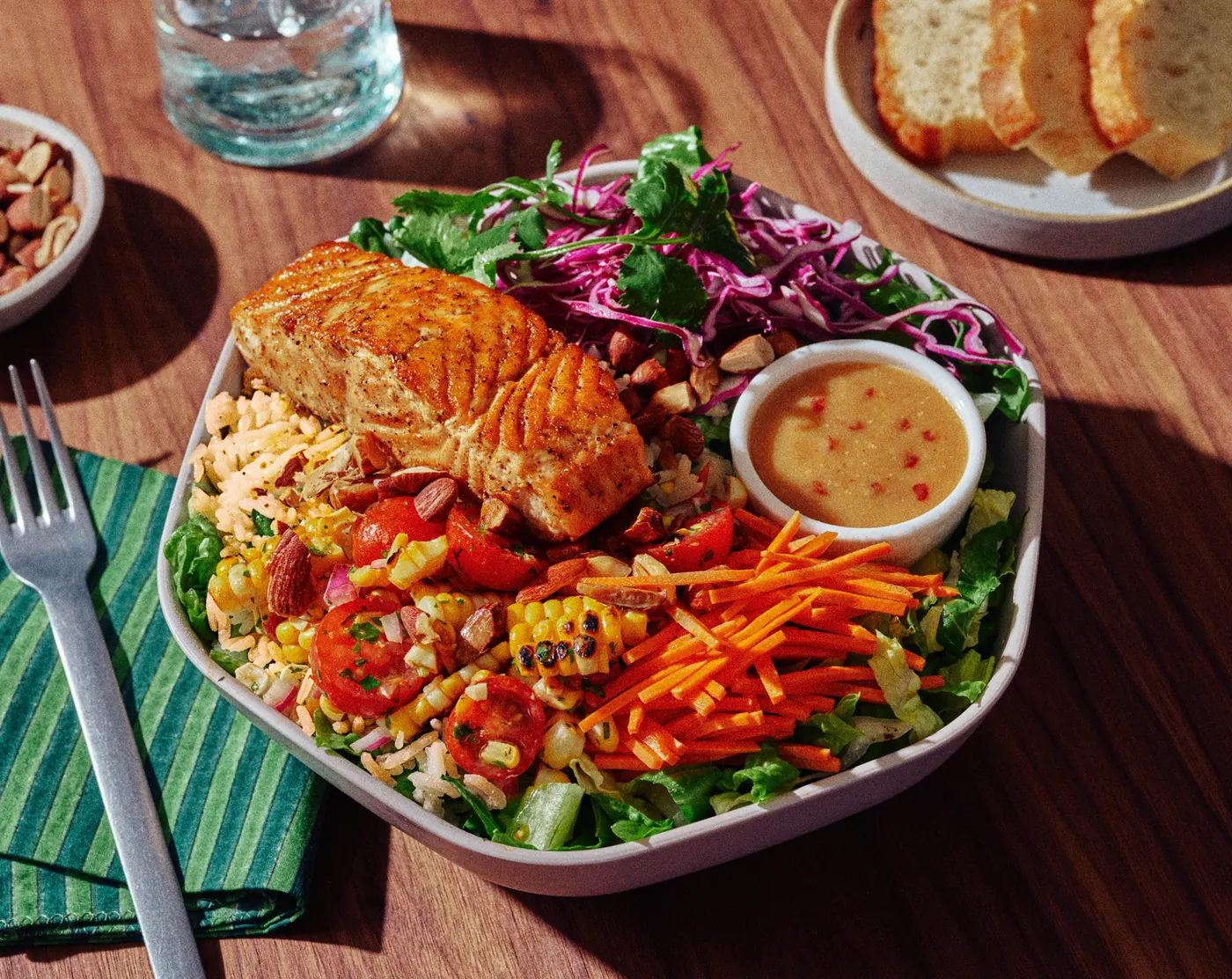
Start with a goal, like more protein. Your assistant matches it to a menu made to be customized, with calories and ingredients listed for every item.
Given the nature of AI, chat responses may contain errors or outdated information. Current product details, pricing, ingredients, allergen and nutritional information can be found on our website or app. If you have a food allergy, don’t rely on chat responses to determine whether an item is safe for you. Please note that your online dietary preferences are not communicated to our in-store teams. See Terms of Use and Privacy Policy.
Frequently asked questions
- What can I order?
- You can order and modify any available menu items at your location.
- Can it show me the menu?
- Yes. The assistant shows you the menu available at your location. It also shows calories and ingredients.
- Can I reorder a past order?
- No. The assistant helps you start new orders. It does not have access to your past orders or account information.
- How do I pay for my order?
- The assistant will open your bag on order.sweetgreen.com when you’re ready. You will pay and place your order from there.
- Does sweetgreen see my conversation with the assistant?
- No. Your conversation is not shared with sweetgreen.
- How do I use my rewards and earn points?
- Rewards are only available when logged in to the sweetgreen order app. Select reward at the bag to apply to your order.
- Can I order delivery?
- Yes. Pickup, delivery, and outpost is available, per location eligibility.
Troubleshooting
- I don’t see sweetgreen in my chat.
- Add sweetgreen from the ChatGPT plugins or Claude connectors directory, then start a new chat and ask for sweetgreen.
- It can’t find my restaurant.
- Share a city, zip code, or the restaurant’s name. For delivery, share your full street address. Pickup, delivery, and Outpost aren’t available at every location.
- An item I want isn’t available.
- An item can be sold out, marked currently unavailable, or out of season. Try a nearby restaurant, or ask for something similar.
- My checkout link didn’t open my bag.
- Open the link the assistant gave you to see your bag at order.sweetgreen.com or in the sweetgreen app. If it still doesn’t open, ask the assistant to send you to checkout again.
- My bag changed at checkout.
- Checkout checks your bag against your restaurant’s current menu. You’ll see the current price before you pay, and items that are no longer available won’t be added.
- It says ordering is temporarily unavailable.
- Ordering in chat is paused for a moment. Try again later, or order in the sweetgreen app or at order.sweetgreen.com.
- Still need help?
- Use Contact us at the bottom of this page.